
A mapped process can look tidy until a missing field, duplicate request or late handoff interrupts it.
Build the smallest version that moves one routine task forward, stops safely when something is unusual, and tells a person what to do next.
Start with one repeatable slice#
Pick one step that happens often enough to observe and has a clear next action. For example, a new website inquiry might be recorded in a shared list and assigned to an owner. Keep the first version to that narrow path; do not also redesign the whole sales process, write custom customer messaging and synchronize every system at once.
For worked examples, automating lead follow-up walks through one small automation from start to finish, and AI product descriptions from specs shows a review queue that sends doubtful output to a person.
Before building, write down the current manual steps, including the exceptions your team actually sees. Your short specification should record: what starts the process, which information is required, what action follows, who owns the result and what conditions should send it to a person instead.
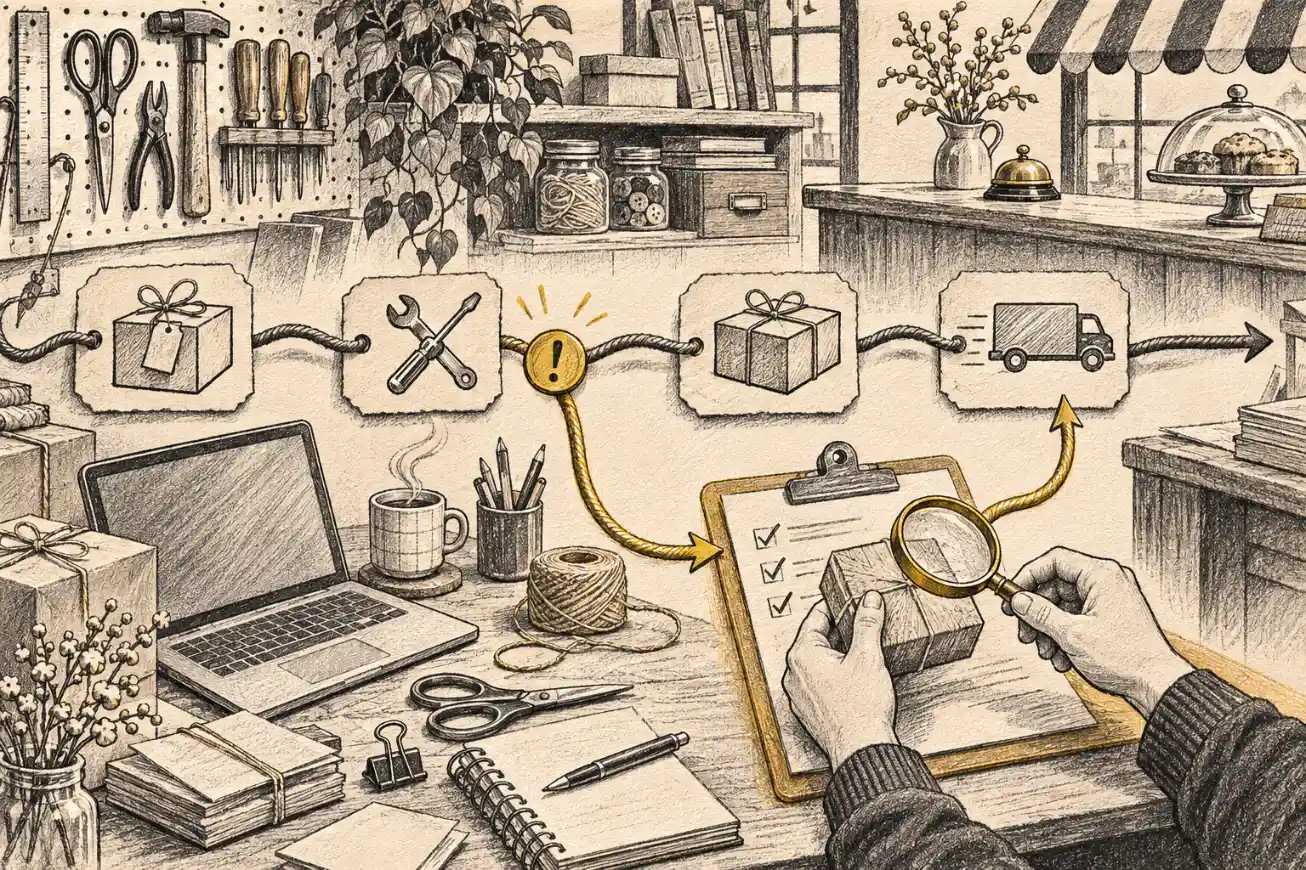
A conceptual flow: a routine request proceeds automatically, while uncertain or failed cases stop for a person to review.
Write the stop rules before the happy path#
A safe automation needs more than instructions for ordinary cases. Decide which conditions mean “pause and ask a person.” Examples include required information missing, a record that may already exist, a customer request outside the normal category, or a connected service returning an error. These are design examples, not claims that every process has the same exceptions.
Make the human route actionable. An alert should identify the affected item, the reason it stopped, what has already happened, and the next safe action. Send it to a named role or owner, not an unattended inbox. Set a response expectation that fits your operation, and decide who covers the queue when the usual owner is away.
Build the smallest safe path#
- Trigger: identify one event, such as a new request arriving in the system you already use.
- Check: confirm required fields and detect likely duplicates before making changes.
- Action: perform one low-risk next step, such as creating a task or routing a record to its owner.
- Confirm: record whether the action succeeded, failed or needs a person. Avoid treating “no error message” as proof that the business task is complete.
- Recover: keep the original item visible and provide a manual way to complete or correct the step.
For a first release, prefer actions that are easy to inspect and reverse. If an action can notify a customer, change a financial record or make an irreversible commitment, put an explicit human approval before it until your team has agreed on the controls and tested the exceptions. The point is not to automate every step; it is to automate a bounded task without losing ownership.
Test exceptions and write the fallback down#
Do not test only a clean, complete request. Walk through a small set of representative cases: normal input; missing required information; a likely duplicate; a failed connection; and a case that needs judgment. For each, check what the system changed, what it left untouched, whether an alert reached the owner, and whether someone can finish the work manually without guessing.
Write a short fallback procedure where the team can find it. Include how to spot a stuck item, who owns it, how to complete the task by hand, and how to prevent the automation from repeating an action when it resumes. If the workflow touches customer or business-critical records, arrange a controlled test and a clear way to undo a mistaken change before enabling it broadly.
Measure before you expand#
For a defined trial period, record the number of items processed, the number that stopped for review, failures or duplicates caught, and the time people still spend monitoring and fixing the flow. Compare that with the manual effort for the same type of work. Do not count an automated step as time saved if someone now spends that time correcting silent mistakes.
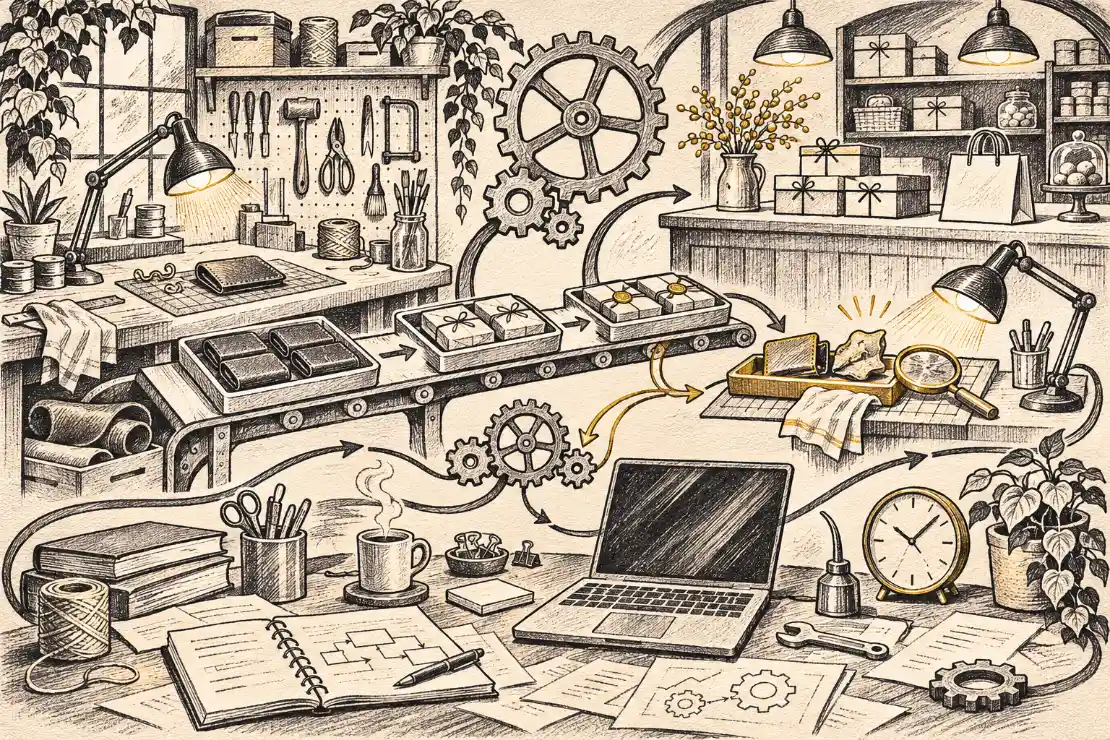
A conceptual monitoring scene showing workflow activity, exceptions needing review, and time spent maintaining the process.
Expand only if the routine path is reliable enough for your needs, the exceptions reach the right person, and the time saved exceeds the upkeep and review. If not, simplify the process, change the stop rules or keep the step manual.
A practical next step#
Before selecting a tool, draft the trigger, one action, three stop conditions, alert owner and manual fallback on a single page. Use that page to compare the proposed workflow with the task your team handles today. If the checks, alerts and recovery steps are unclear, keep the task manual until you can define them.
Related reading: Integrations & automation and The invisible workday.