XT3 · Browser extension
Dialshelf
A speed dial for your new tab. Sharp logos, tiles in any shape, instant search, as many groups as you like. Free, no account, no tracking. Sync between computers is $10 a year.
Free. Works on Chrome, Edge, Brave and Firefox. Install links appear here the day each store listing goes live.
Coming from Speed Dial 2? Move your dials over in a minute.
What you get
Sharp logos, built in
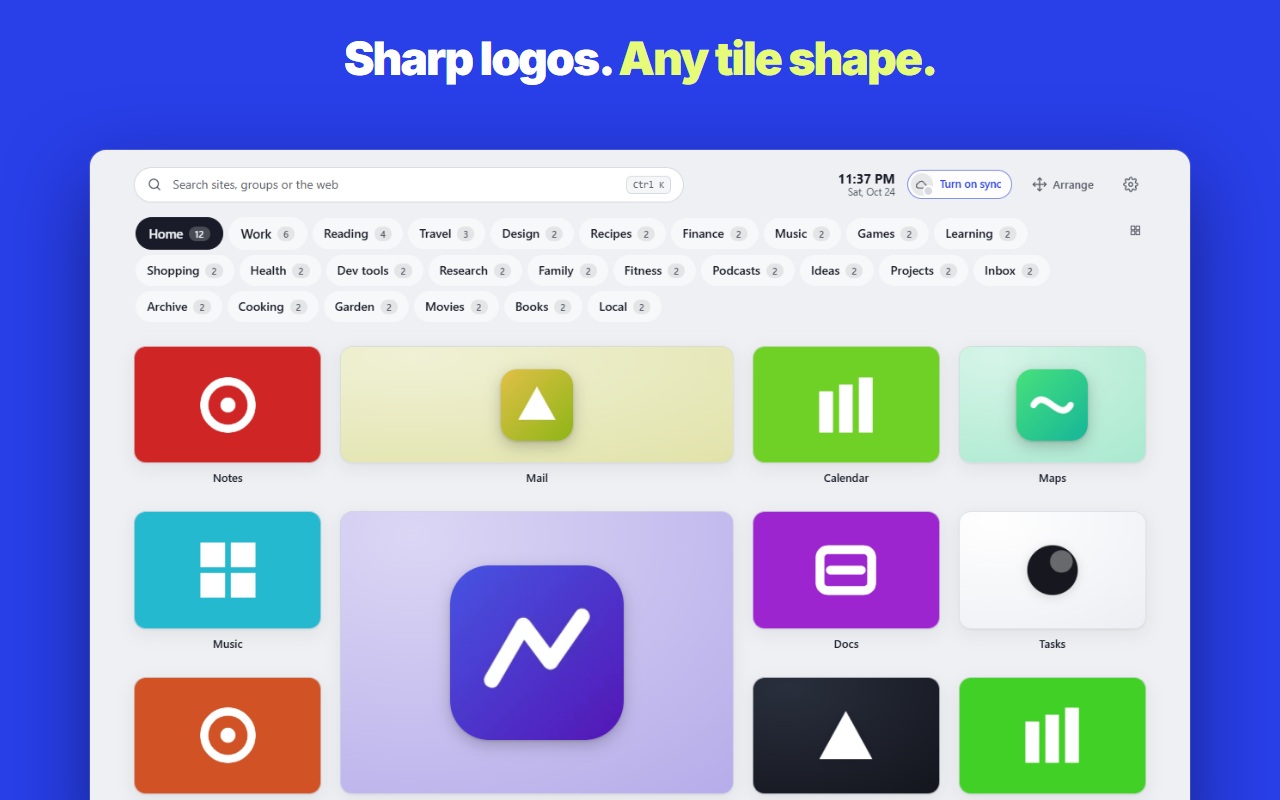
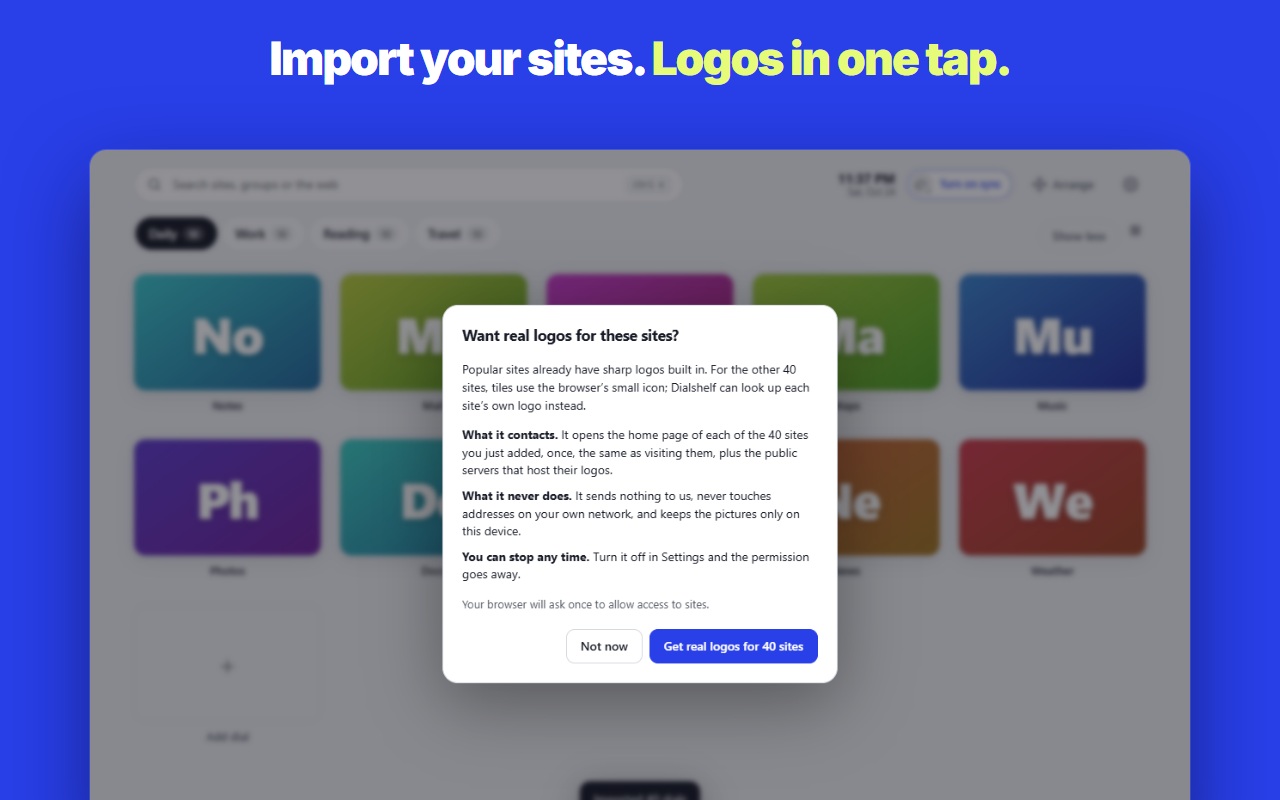
170 popular sites come with crisp logos inside the extension, so tiles look right the moment you install, with no permission. Any other site’s logo is one tap away. Every logo is trimmed and sized to match, never cut off or blurred.
Your sites as you left them
Choose Screens and each tile shows its site as you last saw it, once you’re signed in. Dialshelf waits for the page to finish loading and never captures a sign-in page.
Pick any picture
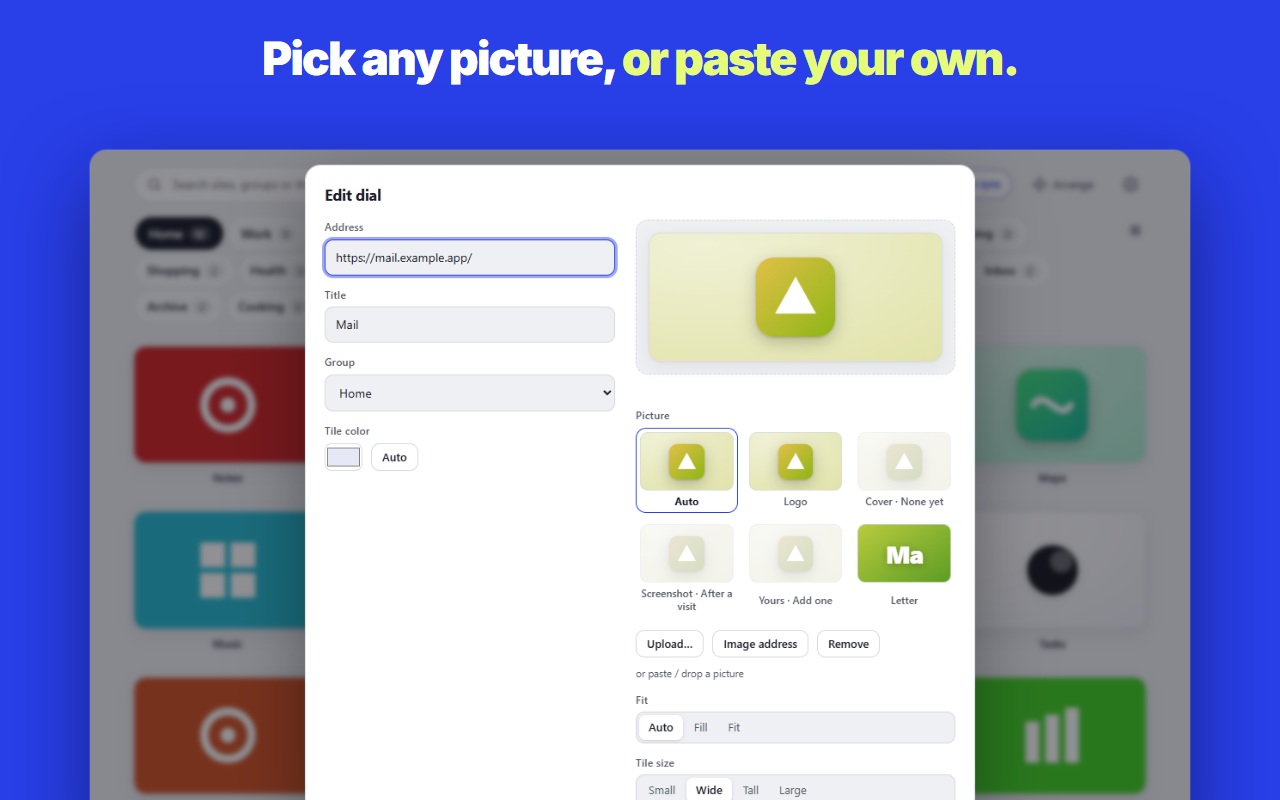
The tile editor shows every picture a tile can have as small previews. Upload, paste or drop your own; transparent logos stay transparent, and you can drag a photo to choose what shows.
Tiles that fit any shape
Drag a tile’s corner to resize it. Wide, classic, square, tall or banner. Zoom everything with Ctrl and scroll.
As many groups as you like
Tabs, a resizable sidebar, or every group stacked as sections. Type a group’s name in the search box to jump to it.
One search box for everything
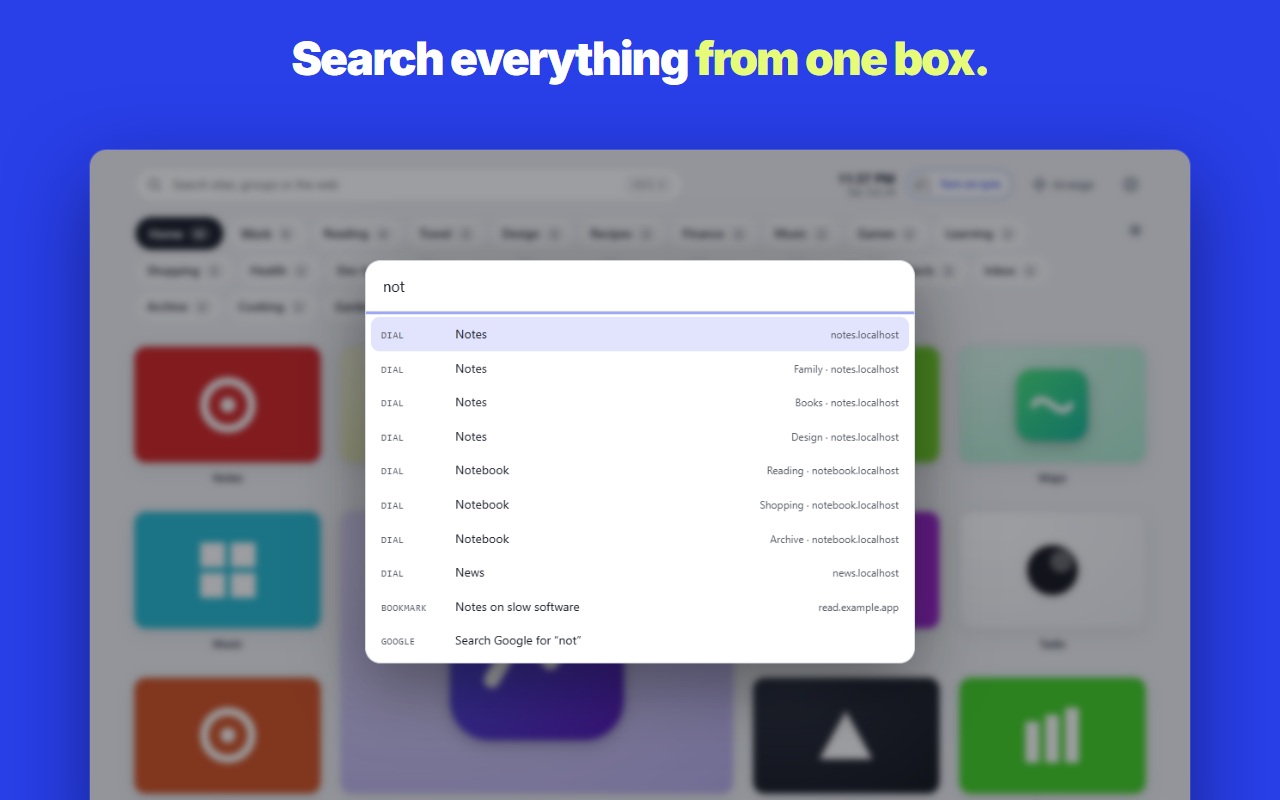
Ctrl or ⌘ plus K, or just start typing: your dials, groups, bookmarks, recently closed tabs, then the web. Shortcuts like !yt and !w go straight to YouTube or Wikipedia.
Add any page in one keystroke
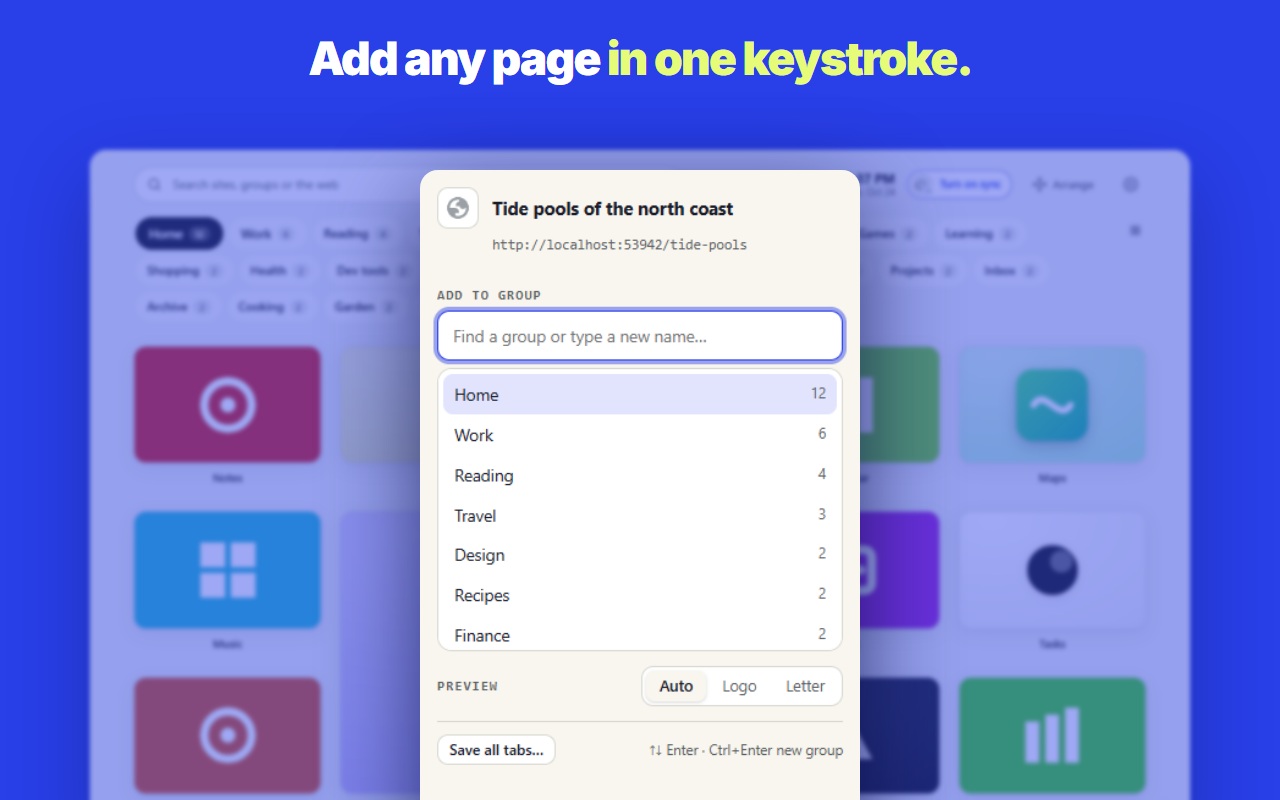
The toolbar button opens a quick picker with your most recent groups first. It spots duplicates, can save every open tab as a group, and has undo.
Drag and drop everywhere
Rearrange tiles, move them between groups, reorder groups, and drop a link or a picture from any page onto your shelf.
Bring what you have
Import your browser’s bookmarks, a bookmarks file, or another speed dial’s export. Export everything again any time.
Fast and calm
Your theme and background load before the page does, so there is no white flash. Seven themes, your own backgrounds, all free.
See it
The pledge
Free, except sync. In writing.
Backgrounds, every theme, custom pictures, real logos, free placement, backup and export are free, and they stay free. Sync between computers is the one paid part: $10 a year. We will not take a free feature and put it behind a paywall, ever. Other speed dials did exactly that; Dialshelf is built so it cannot happen quietly. There are no accounts to lose, no analytics, and your dials live in your browser.
Read how your data is handled in the Dialshelf privacy policy.
Questions
Why does it ask for access to sites?
Only if you turn on logo lookup, covers or screenshots, and only then. Built-in logos need no access. Logos: it opens the home page of each site you saved, once, to find its logo, and refuses addresses that point at your own network. Nothing goes to XT3.
Where is my data?
In your browser. With the sync plan, a copy travels through your browser account or a private folder in your own Google Drive that only Dialshelf can read. Your dials never pass through an XT3 server, and there are no analytics (error reports are optional and off unless you turn them on).
What does sync cost?
Sync between computers is $10 a year, or $29 once for a lifetime key, with a free 7-day trial. Everything that works on your computer is free.
Will anything free become paid?
No. Sync is the one paid part, from day one. We do not move a free feature behind a paywall.
Ideas, bugs, questions: [email protected] · Privacy policy →