How to Reduce Technical Key-Person Risk
A practical handoff and continuity guide for owners who depend too heavily on one developer, employee, agency, or founder to keep systems running.
Who this is for
Established businesses where one person knows the passwords, deployments, automations, integrations, data fixes, or emergency procedures everyone else depends on.
A dedicated technical owner can be high leverage, but only when the company retains control, evidence, recovery options, and enough documentation for another qualified person to step in.
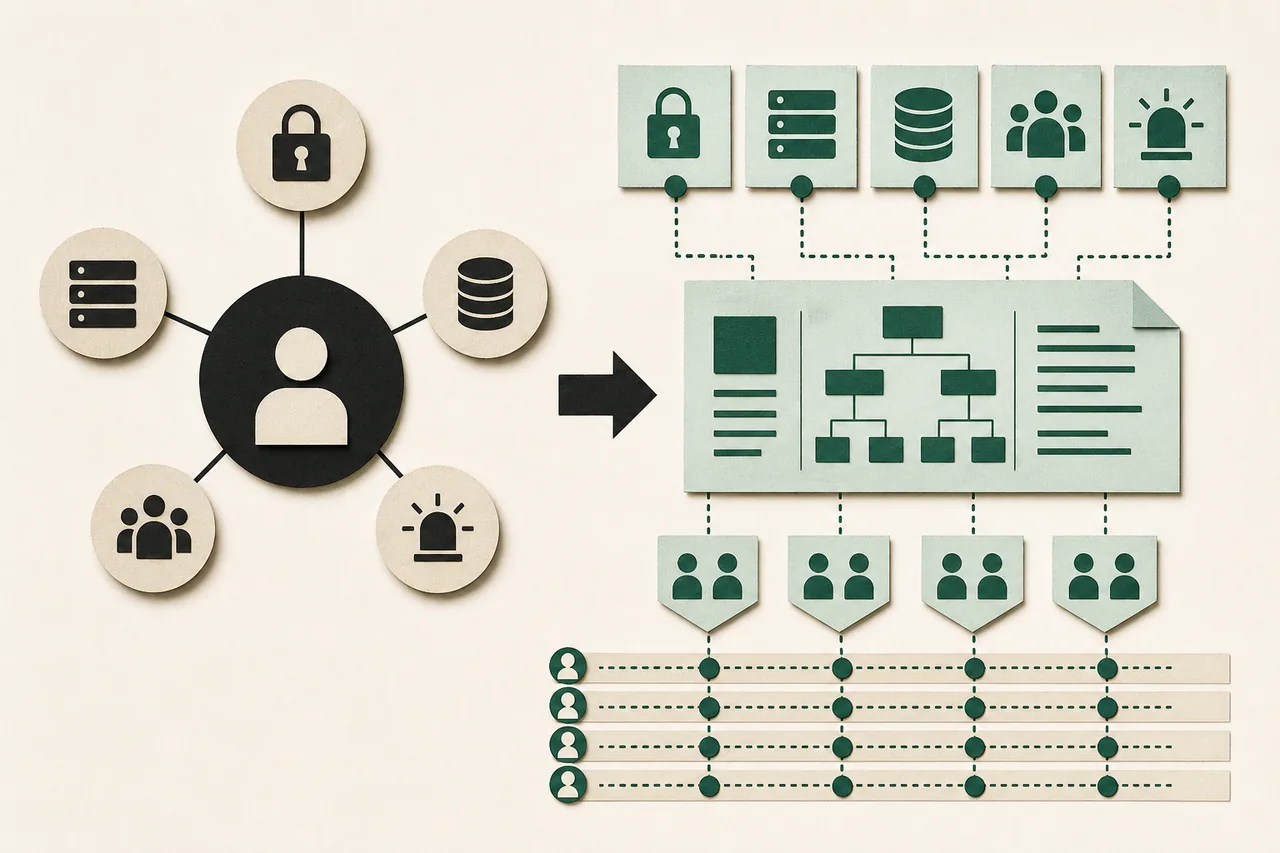
The short answer
Do not try to document everything. Secure company ownership, identify the few systems whose loss stops revenue or service, rehearse access and recovery, and keep a small living handoff package tied to actual releases and incidents.
What to do in the first hour
- 1.Name the five technical failures or absences that could stop sales, service, payroll, customer access, or data recovery.
- 2.For each, identify the business owner, technical operator, vendor, administrative account, billing owner, recovery contact, and current backup.
- 3.Move critical credentials from chats and personal browsers into an approved company-controlled password manager with individual access and emergency recovery.
- 4.Do not demand an encyclopedia from the key person overnight. Start with the paths required to keep the business alive.
Diagnose before you buy another solution
Key-person risk is not simply having one capable person. It is being unable to observe, access, build, deploy, restore, or transition the systems without that person's memory or personal accounts.
Inventory domains, DNS, cloud, repositories, databases, identity, email, payments, analytics, automation platforms, AI providers, app stores, certificates, monitoring, backups, and vendor contracts. Mark ownership and recovery separately from daily access.
Prioritize by business impact and recovery difficulty. A small marketing tool may wait; identity, domain, payments, customer data, and the system of record usually cannot.
A practical recovery plan
Establish company control
Use company billing, owner accounts, group recovery addresses, individual least-privilege access, multifactor authentication, and an offline or tightly controlled break-glass method. Remove shared administrator passwords where the platform supports named users.
Create a minimum viable handoff
Record system purpose, owner, repository, environments, build and deploy steps, configuration locations, data stores, dependencies, monitoring, backup and restore steps, known risks, vendor contacts, and the current production revision. Link to source evidence.
Automate reproducibility
Prefer source-controlled configuration, scripted builds, documented migrations, repeatable deployments, and scheduled backups over screenshots and memory. Keep secrets outside code while documenting where and how they are managed.
Rehearse absence
Ask a second qualified person to locate access, build the project, inspect health, restore a sample backup, and explain rollback without live coaching. Record the gaps. A document nobody has tested is only a theory.
Maintain through normal work
Update the handoff when releases change dependencies or operations. Review access quarterly and after role changes. Use incidents and failed rehearsals to improve the smallest useful documentation instead of scheduling giant annual rewrites.
Questions to ask before approving more work
- Which company-owned account can recover every critical service?
- Can another qualified person reproduce the current production build?
- When was the last backup restored and reconciled?
- Which vendor, certificate, token, or payment could expire without an owner seeing it?
- What is the tested procedure if the primary technical owner is unavailable tomorrow?
Red flags
- — Domains, hosting, repositories, or app-store accounts are registered personally to a vendor.
- — Backups exist but no one has restored them.
- — The production revision cannot be matched to source control.
- — Documentation is a password-filled document or an outdated architecture picture.
- — Continuity planning depends on the same person whose absence is the risk.
When to bring in specialist help
Use legal, HR, security, and compliance guidance for access changes, employee departures, disputed ownership, regulated records, or suspected misuse. Preserve evidence and business continuity; do not improvise retaliatory lockouts that could cause data loss.