What to Do When Your Developer Ghosts You
A calm recovery plan for business owners whose developer disappeared with an unfinished website, app, automation, or internal system.
Who this is for
Established business owners with a live or partly built system and a developer who stopped responding.
You have customers, staff, revenue, or business data exposed to the problem. The priority is continuity and control—not winning an argument or immediately hiring another stranger.
The short answer
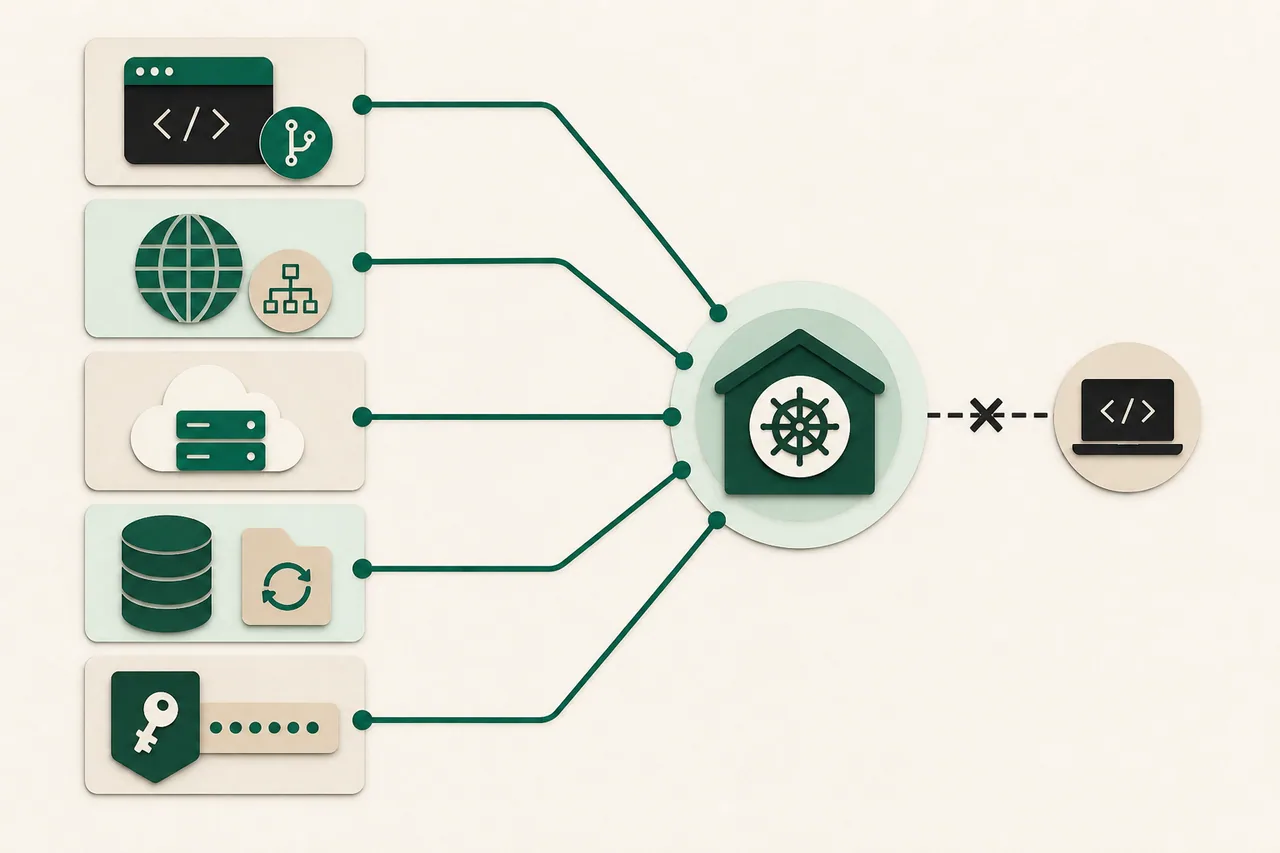
Treat the disappearance as an access and continuity incident. Secure the business accounts, preserve evidence, create a factual system inventory, and pay for a short technical assessment before authorizing more development.
What to do in the first hour
- 1.Stop sending new passwords or customer data through old chats and shared documents.
- 2.Confirm who owns the domain, DNS, hosting, source repository, database, email, analytics, payment accounts, and third-party integrations.
- 3.Export invoices, statements of work, messages, designs, credentials, deployment notes, and the latest working build into a company-controlled folder.
- 4.Do not revoke access blindly if the developer may still be maintaining production. First identify what will break and prepare replacement access.
Diagnose before you buy another solution
Write down what works today, what is broken, what was promised, and what outcome the business actually needs. Keep facts separate from assumptions.
Ask a replacement professional for a read-only inspection. They should map the code, deployment, data, dependencies, unfinished features, security risks, and recovery options before changing anything.
Request three outputs: a control-and-access list, a risk-ranked issue list, and a fix-versus-rebuild recommendation with evidence. A long feature wish list is not a recovery plan.
A practical recovery plan
Regain control
Move billing and administrative ownership to company-controlled accounts. Rotate credentials in a planned order, beginning with email and identity accounts that can reset everything else. Create individual accounts instead of sharing one password. Preserve a break-glass owner account.
Create a working snapshot
Back up the database, uploaded files, environment settings, code, and current production build before repairs. Record the date and verify that the backup can be opened. Screenshots are useful evidence but are not a recoverable system.
Stabilize before improving
Protect login, payments, forms, customer data, and the one workflow that keeps the business running. Pause cosmetic work and new features. Put monitoring around the critical path so a silent failure becomes visible.
Decide with a bounded assessment
A competent assessor should identify what can be kept, what must be replaced, the smallest safe release, and the unknowns that need a test. Approve one recovery milestone at a time instead of another open-ended rescue contract.
Prevent the next hostage situation
Require company-owned accounts, repository access, deployment instructions, data backups, a dependency list, and a short handoff note as normal deliverables. Arrange a periodic recovery check while the relationship is healthy.
Questions to ask before approving more work
- Can you show me what you verified rather than guessing from the interface?
- Which accounts or missing credentials could block recovery?
- What is the smallest change that makes the system safe and usable again?
- How will you prove the repair works in production and how will we roll it back?
- What will my company own when this milestone is finished?
Red flags
- — A rescuer recommends a full rewrite before reading the current code and data.
- — They ask to move every account into their name or refuse repository access.
- — The estimate is precise even though nobody has inspected production.
- — They criticize the prior developer for hours but cannot state a testable recovery plan.
- — They want to edit the live database without a verified backup.
When to bring in specialist help
Get legal or cybersecurity help if ownership is disputed, access is being withheld, customer data may have been copied, payments are at risk, or an ex-vendor is making unauthorized changes. A technical recovery does not replace legal advice or incident response.