How to Make an AI-Built App Production-Ready
A production-readiness checklist for founders and business owners who created a useful app with AI or vibe coding and reached the dangerous last mile.
Who this is for
Revenue-backed founders and established businesses with an AI-assisted prototype that solves a real problem but is not yet safe for customers or operations.
The prototype already proved something valuable. Your risk is confusing visible functionality with security, recoverability, maintainability, and predictable behavior under real use.
The short answer
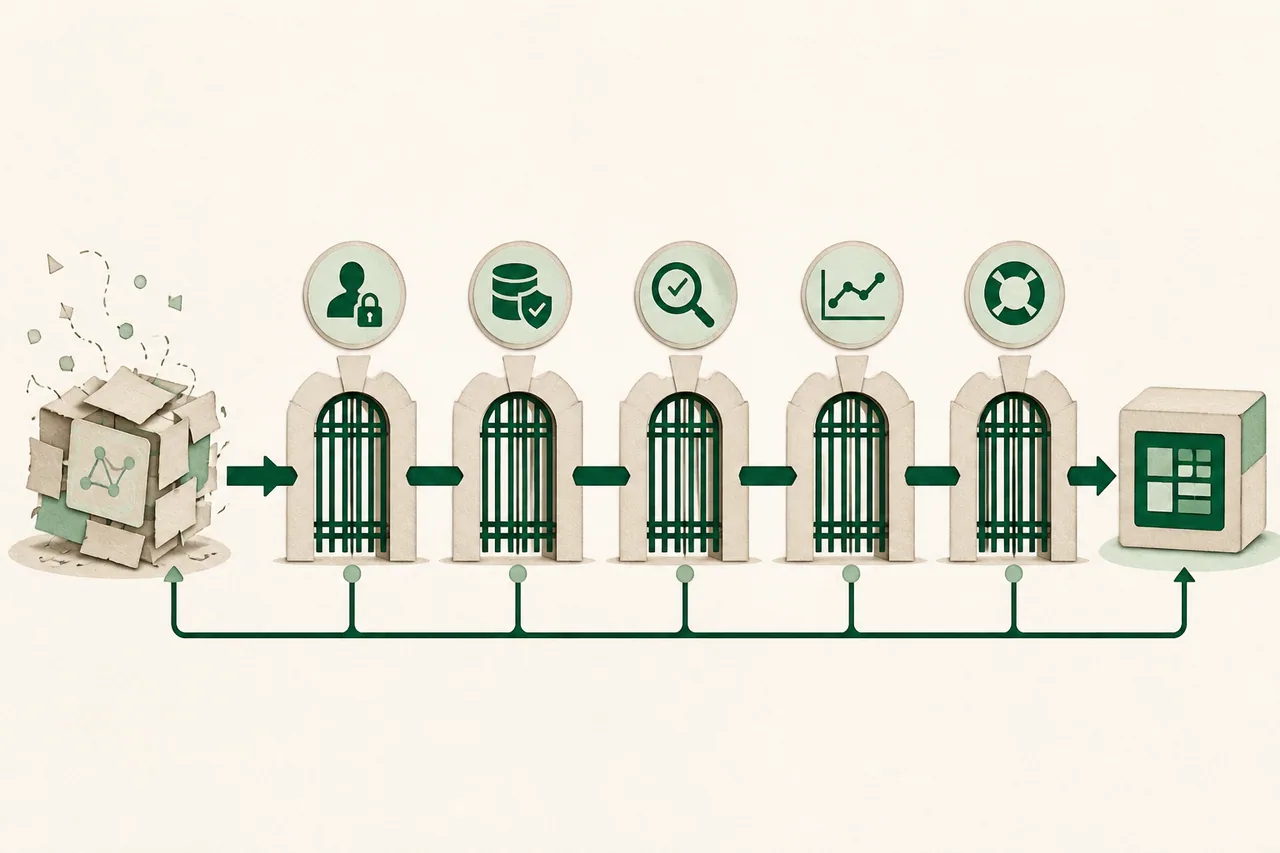
Keep the validated workflow. Audit the invisible boundaries—identity, permissions, data, payments, failure handling, observability, deployment, and recovery—then harden one real customer path before expanding features.
What to do in the first hour
- 1.Create a company-owned repository and commit the exact version currently deployed. AI chat history is not source control.
- 2.Move secrets out of code and browser-visible configuration. Rotate any credential pasted into prompts, screenshots, public repositories, or client-side bundles.
- 3.Back up the database and uploaded files, then verify you can restore them somewhere isolated.
- 4.List every place the app trusts user input, an AI response, a webhook, a file upload, or a third-party API. These are production boundaries.
Diagnose before you buy another solution
A prototype demonstrates a happy path. Production readiness means bad inputs, duplicate events, expired sessions, slow providers, partial failures, retries, concurrent users, and recovery do not produce unsafe outcomes.
Inspect authentication and authorization separately. Being logged in does not prove a user is allowed to read a record. Test direct API requests across two accounts and verify server-side ownership checks.
Trace one critical workflow end to end with real deployment settings. Include what the user sees, what is stored, what external systems receive, what happens on timeout, and how an operator discovers and repairs failure.
A practical recovery plan
Define the production promise
State who the first real users are, what data they will trust the app with, the one outcome the app must deliver, and which failures are unacceptable. This creates a quality floor stronger than 'the demo works.'
Harden identity and data boundaries
Use maintained authentication, server-side authorization, least-privilege service credentials, input validation, rate limits, safe file handling, and encrypted transport. Remove debug endpoints and detailed production errors.
Make failure observable
Add structured error logging, health checks, alerts for the critical path, provider timeout handling, and a way to correlate a user action with backend work. Do not log secrets or sensitive content merely because debugging is hard.
Make releases reversible
Produce builds from source control, separate staging from production, record configuration, run migrations deliberately, and preserve the previous working artifact. Test rollback and data compatibility before the first high-stakes launch.
Test adversarial cases
Try unauthorized record IDs, repeated payments or webhooks, deleted dependencies, malformed AI output, prompt injection, oversized uploads, expired tokens, simultaneous edits, lost network connections, and restore from backup. Fix blocking failures before polishing.
Questions to ask before approving more work
- Can you identify the exact deployed source revision and reproduce the build?
- How is access checked for every customer-owned record?
- What happens when the AI provider times out or returns invalid structured data?
- How will we know a customer workflow failed before the customer tells us?
- Show me the backup restore and release rollback—not just the configuration screen.
Red flags
- — Production uses an admin or service key in browser code.
- — The only test account is the developer's administrator account.
- — Security is described as a future feature after customer launch.
- — Nobody knows which AI-generated code is deployed or which prompts changed it.
- — A successful build is presented as proof of privacy, correctness, or scalability.
When to bring in specialist help
Use independent security, privacy, or compliance specialists when the app handles regulated data, significant payments, children, health information, financial decisions, or high-impact automated decisions. Production hardening is not a substitute for a formal audit when one is required.